
Portable Relay Protection Settings Verification Device
Relay protection settings are traditionally handled by hand, which is time-consuming and prone to error. This device brings the whole settings workflow online, from generating and printing documents to comparing versions and keeping records.
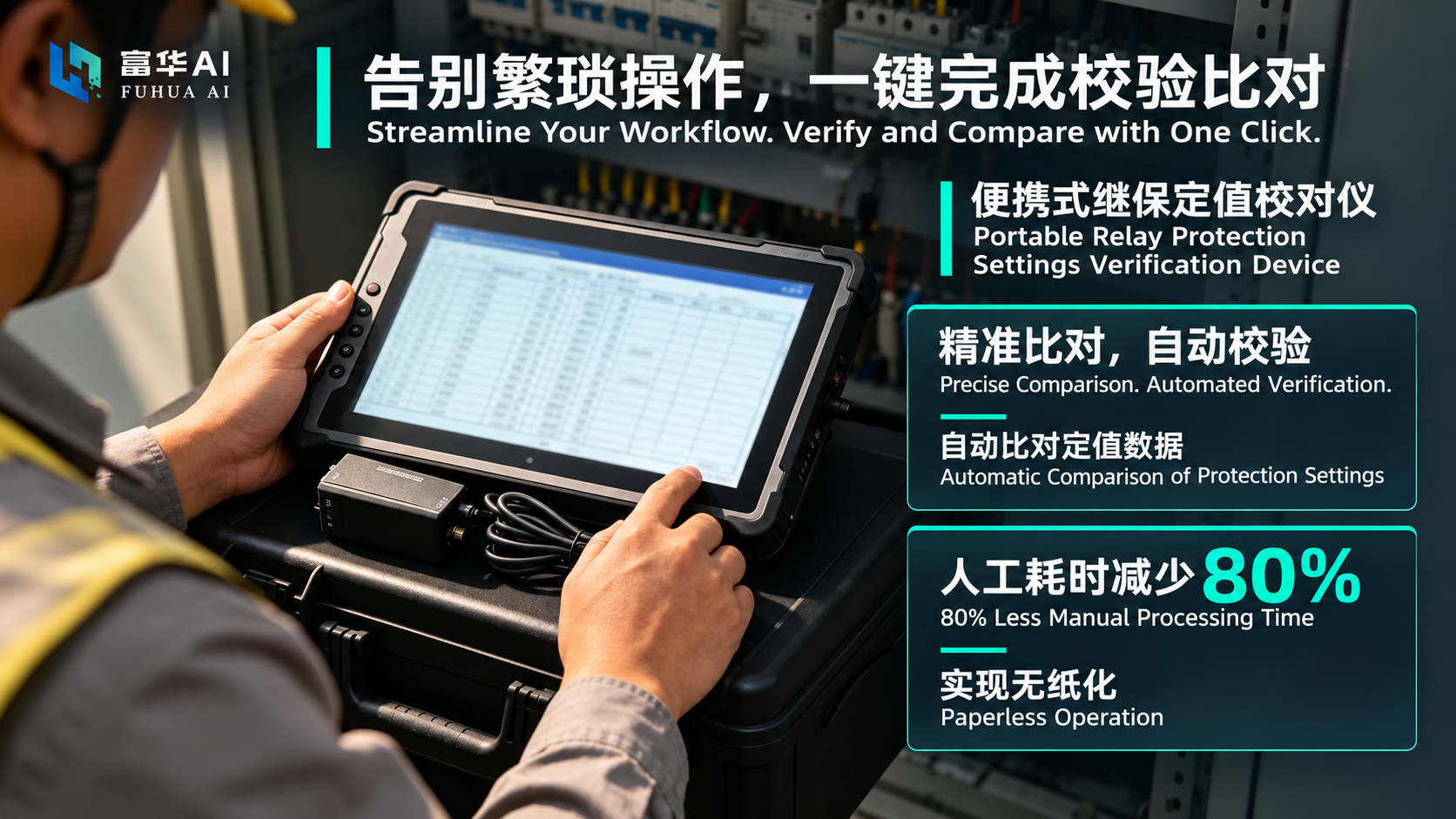
Overview
An integrated platform for generating, printing, comparing and managing settings. It turns paper setting schemes into electronic documents and lets users create, edit and archive them.
Key capabilities
Virtual printing
Turns a setting scheme into a standardized electronic document and prints it with one click, so every document follows the same format without manual formatting.
Automatic comparison
Compares versions of a setting scheme and highlights differences and likely errors, greatly reducing mistakes in manual cross-checking.
Electronic records
Settings documents are stored and archived centrally with version control and permissions, so their full lifecycle can be traced.
Operational safety
Automated, precise processing gives grid operations dependable data and helps keep protection settings correct.
Advantages
Higher efficiency
Automatic generation, printing and comparison greatly reduce manual work.
Lower risk
Fewer manual errors and more accurate settings management.
Easier management
Electronic documents are held centrally, with version tracking.
Safe and reliable
A solid data foundation for the safe operation of the power system.
Specifications
| Item | Detail |
|---|---|
| Functions | Virtual printing, automatic comparison, electronic records |
| Form factor | Portable device |
As power systems grow more intelligent and digital, managing relay protection settings demands ever greater precision and efficiency.
Images and documents
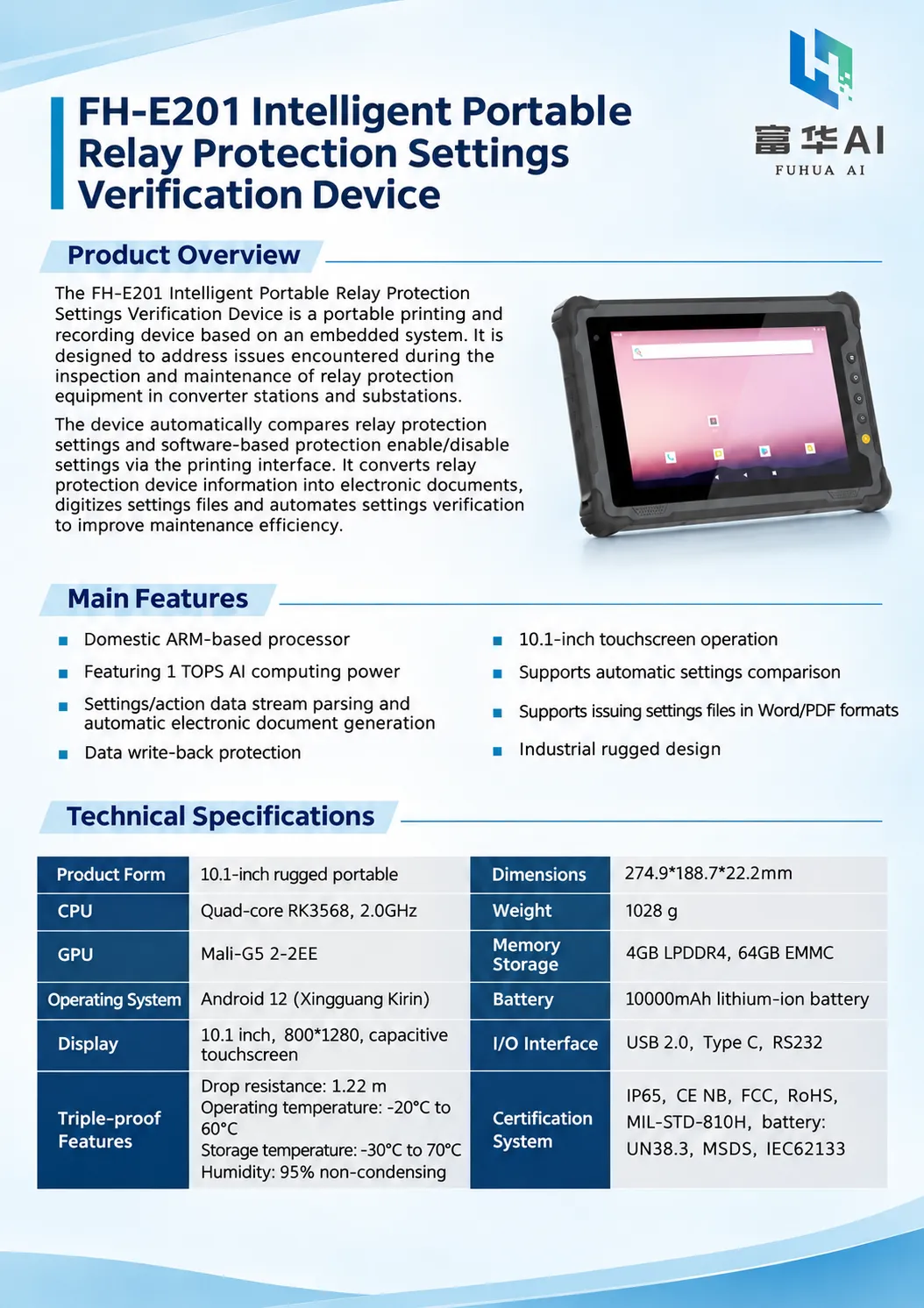
Product sheet (English) 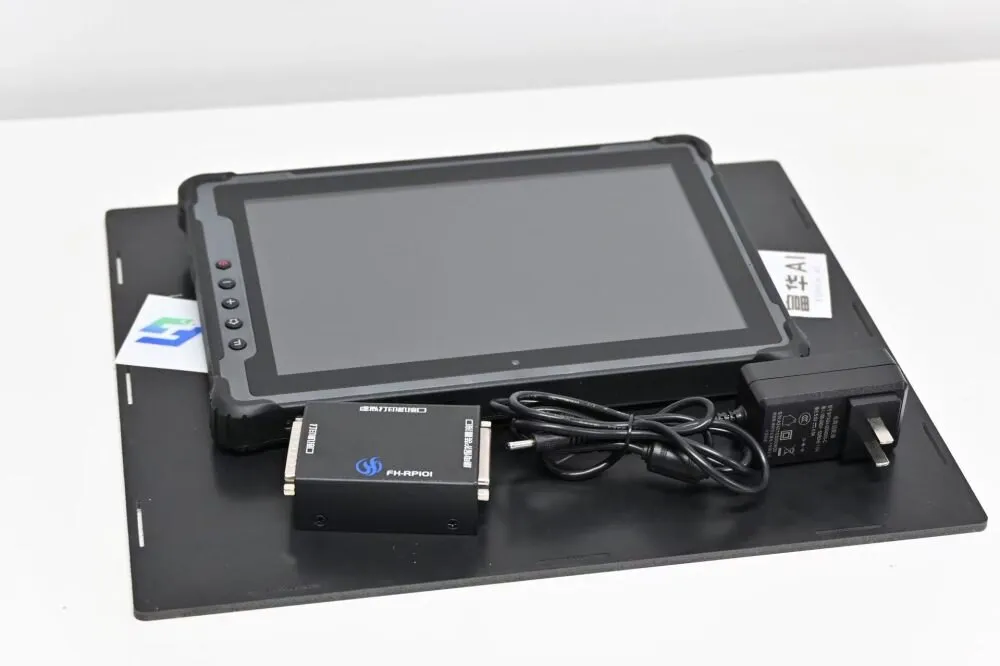
The complete device 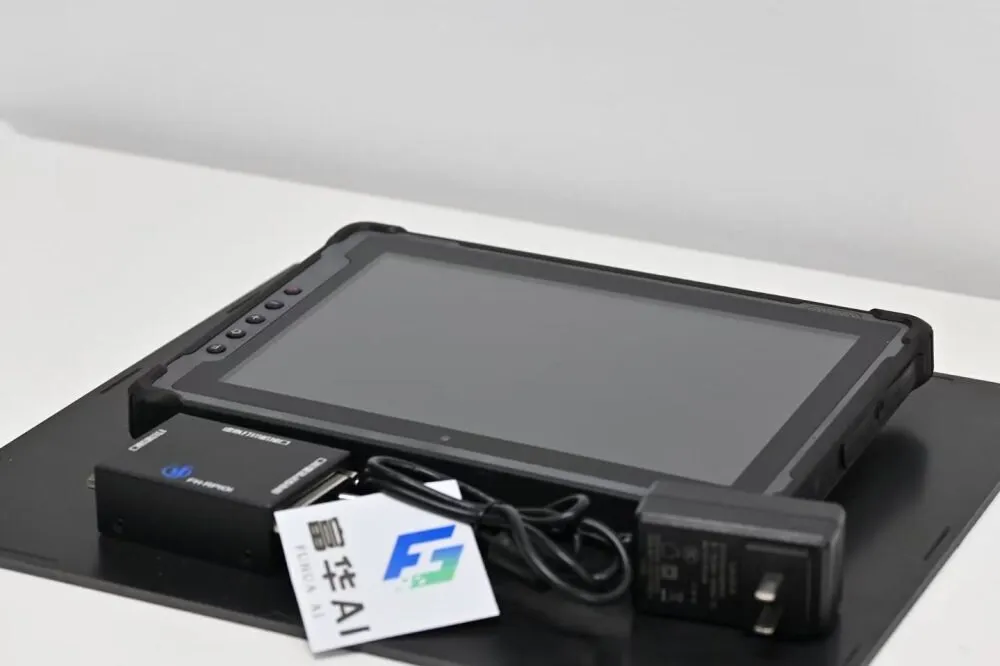
Front-angle view 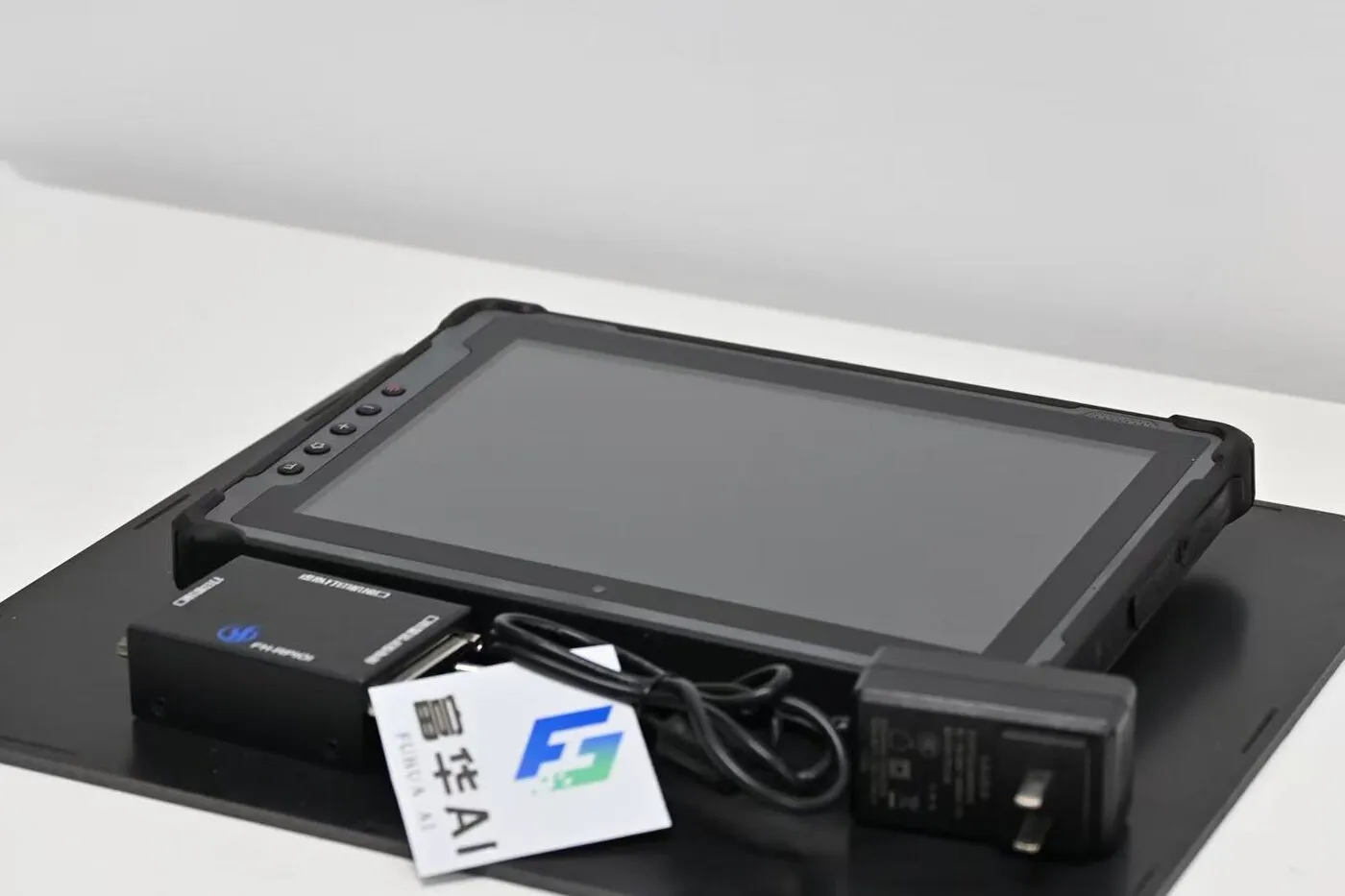
Close view
Videos
Subtitles are part of the video. Press play to start.
Relay protection settings verification: walkthrough (English subtitles)
Technical documents
Images of the original documents, which are in Chinese. Select one to view it at full size.
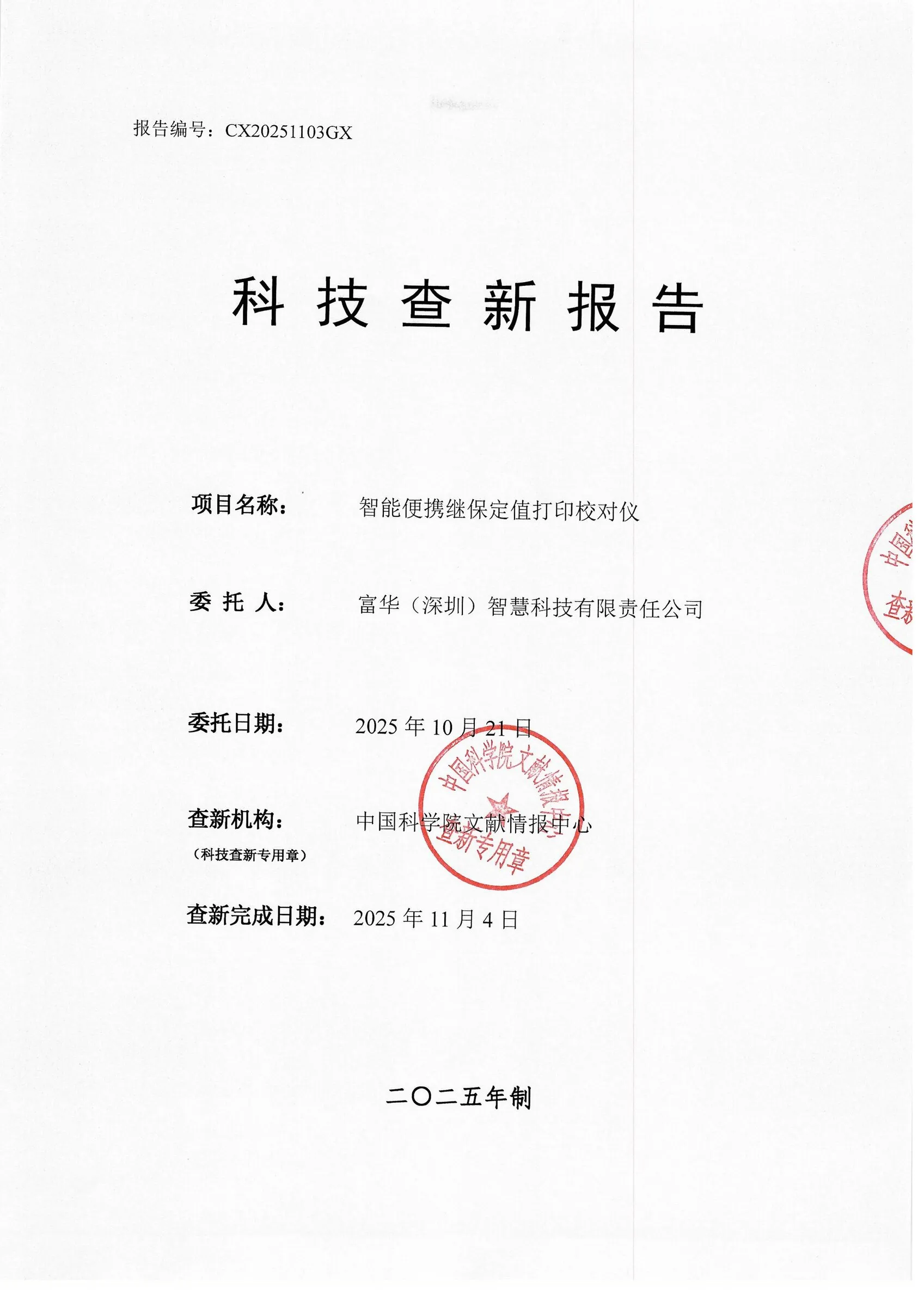
Technical Novelty Search Report (intelligent portable relay protection settings printing and verification device)
Product demonstration
Sample data: this demonstration runs in your browser and does not show real device readings.
JavaScript